Canva Logo: We Made One on a Free Account — and Hit 3 Walls Nobody Mentions
Most "how to make a logo in Canva" tutorials stop at "pick a template and edit it." We went further: we searched the logo template pool, counted how much of it is actually free, edited a template into our own logo, and tried every export option on a free account. The good news: you really can make and download a logo for $0. The part the tutorials skip: transparent backgrounds and SVG files are paywalled, and Canva's own license says template content can't be used as a trademark. Every claim below has a screenshot.
Short answer: Yes, you can make a logo in Canva for free — we edited a template into "TEST BRAND" without a single paywall during editing, and downloaded a clean 2000×2000 white-background PNG for free. But three things sit behind the Pro paywall: transparent background export, SVG (vector) files, and any size above 2000px. And one limit isn't about money at all: Canva's content license does not allow library content in a trademark, so a template-based logo can't be registered as yours.
What a free account can and can't do with a logo
| Step | Free account? | What we saw |
|---|---|---|
| Searching logo templates | ✅ Free | Most templates free, ~12% marked Pro or Paid |
| Editing a template into your logo | ✅ Free | Zero paywalls while we edited |
| Downloading white-background PNG (up to 2000px) | ✅ Free | 2000×2000, 192 KB, no watermark |
| Transparent background PNG | ❌ Pro | Paywall appears the moment the toggle is switched on |
| SVG vector file | ❌ Pro | Greyed out with a crown; forcing it opens the paywall |
| Export larger than 2000px | ❌ Pro | Crown icon next to the size option |
| Using template content as a trademark | ❌ Not allowed on any plan | Canva's own content license says so |
Step 1: How much of the logo template pool is actually free?
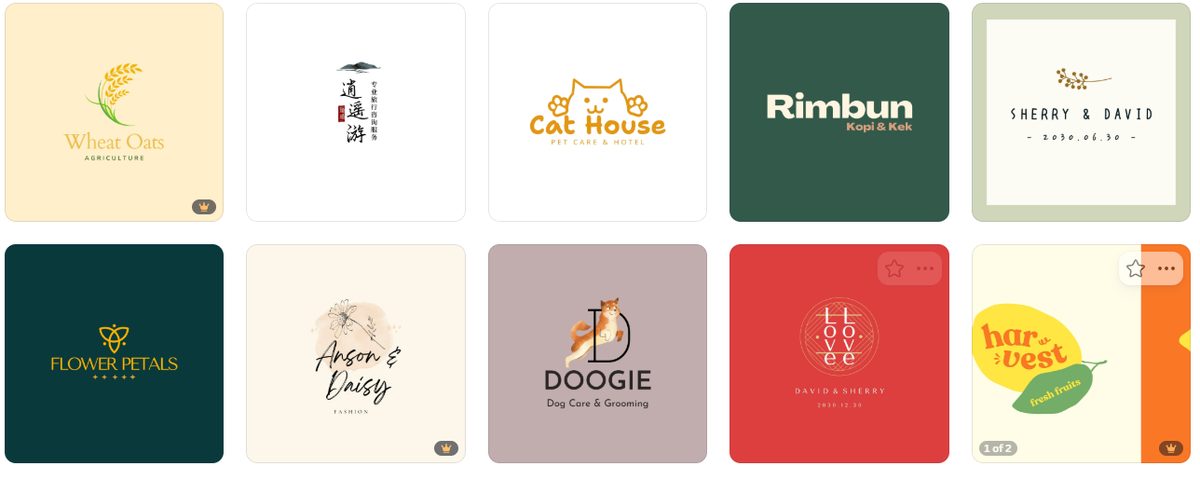
We searched "logo" in Canva's template library and counted. In the set we examined — 180 consecutive logo templates — 20 carried the golden crown (Pro-only, the whole template is off-limits on free) and 2 more carried a "$ Paid" badge (the template opens, but it contains paid elements you'd trip over). That's 22 of 180, about 12%, clearly marked as costing money before you even click.
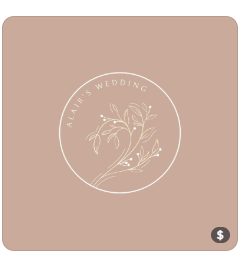
The "$ Paid" badge is the sneakier one. The template itself looks free — but hover over it and Canva admits "This template contains paid elements." You'd find out mid-design.
Two honest notes on the numbers: the crown markers are not evenly distributed — one screen we sampled had 4 crowns in 10 templates, while the full count across 180 came out to about 12%. And our count covered the templates Canva loaded for us, not a claimed total. We report what we counted, not what Canva advertises.
Step 2: Making the logo — the part that really is free
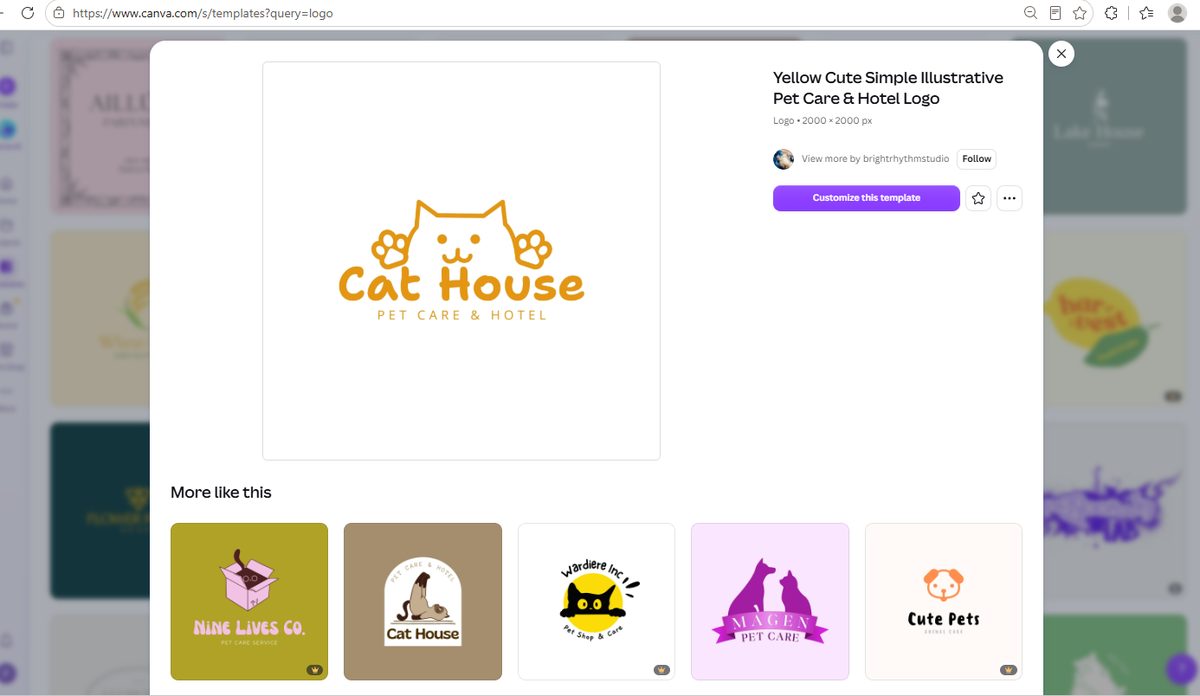
We picked Cat House, a free paw-print logo template (2000 × 2000 px), and clicked "Customize this template." Editing was completely open: we replaced the template text with TEST BRAND, and no paywall, no crown warning, no upsell appeared at any point while we edited.
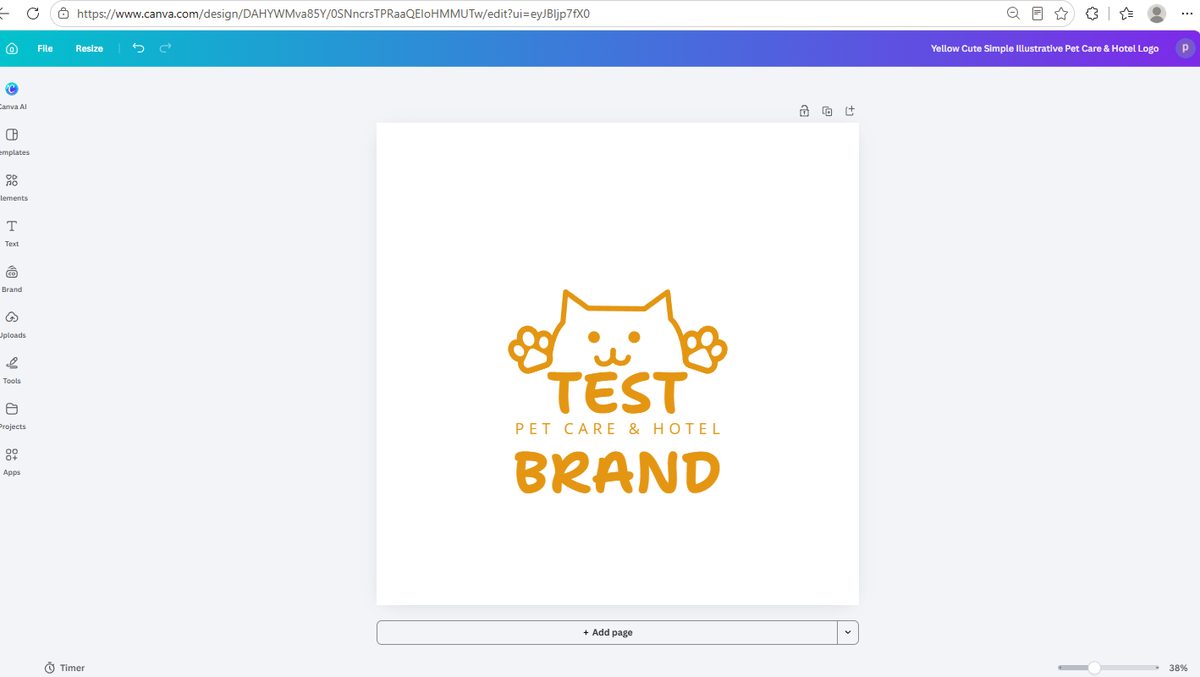
This part of the story is true and the tutorials are right about it: on a free account, you can genuinely make a logo that looks like yours. The walls show up later, at download time.
Step 3: The download test — three walls in a row
The export flow starts at Share → Download, which is open to everyone:
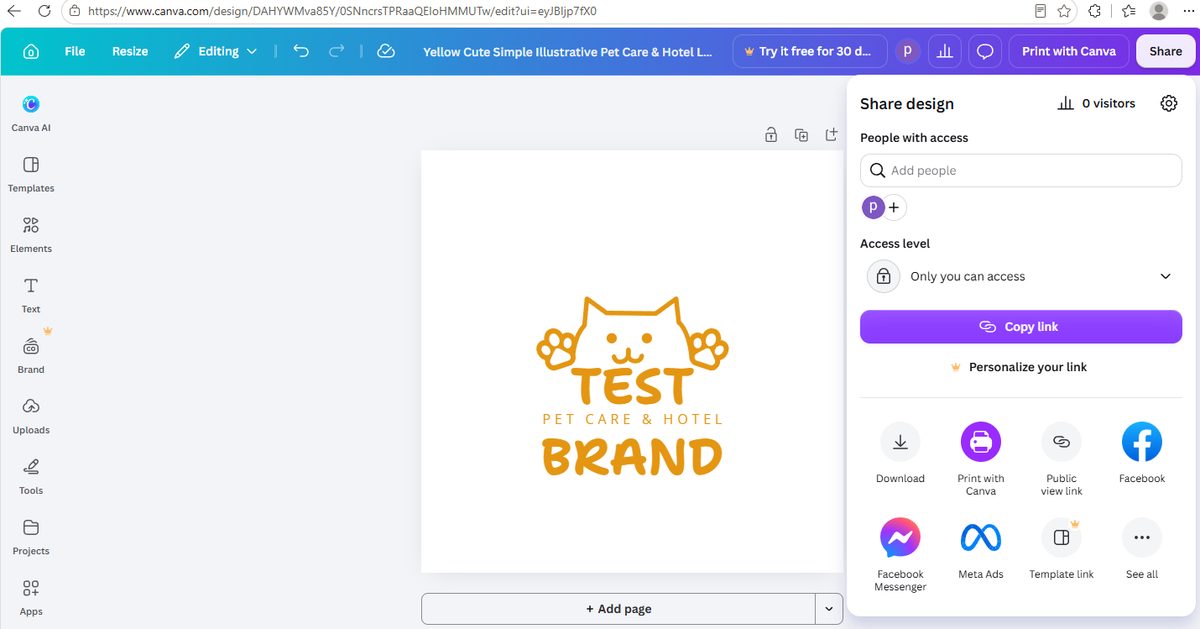
Wall 1: Transparent background
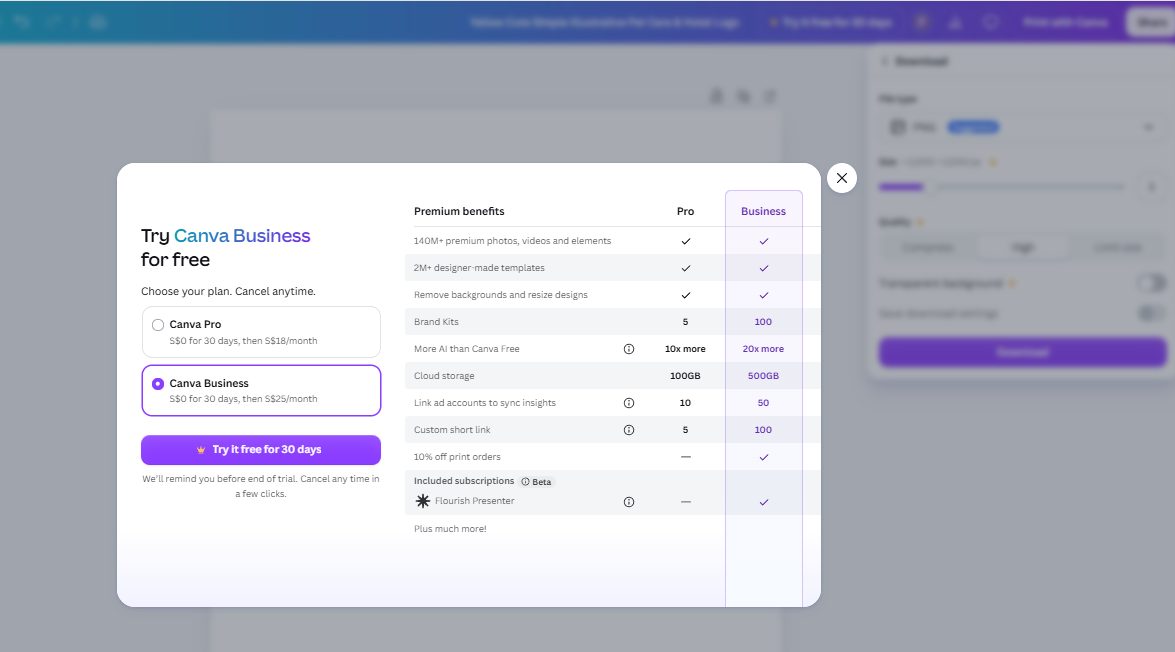
In the PNG download panel there's a Transparent background toggle — the thing every logo actually needs, so it can sit on business cards, websites and product photos without a white box around it. The toggle itself isn't marked as paid. But the moment we switched it on, the paywall appeared:
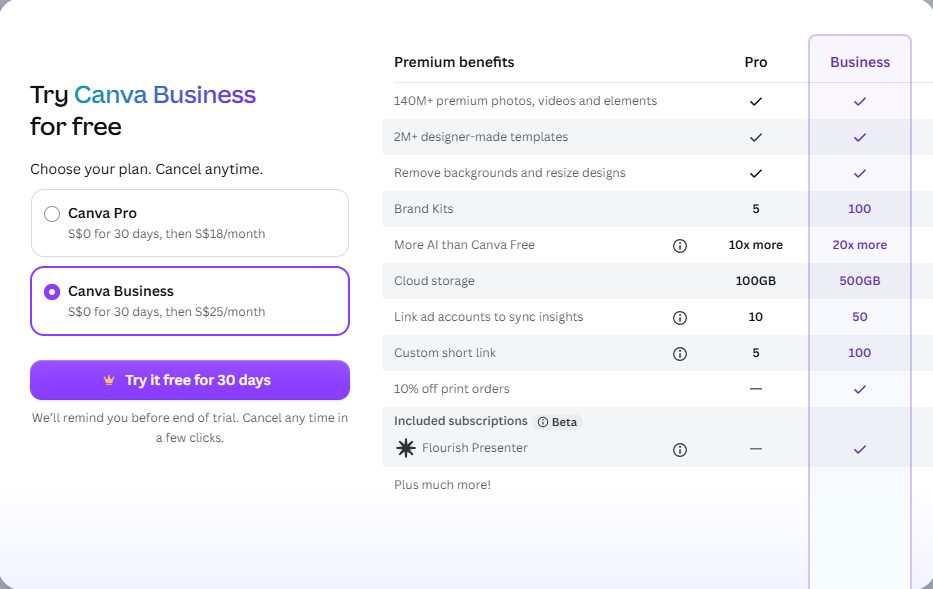
Look closely at that popup, because there's a detail worth knowing before you click: the pre-selected plan is Canva Business — $0 for 30 days, then $25/month — while Canva Pro, $0 for 30 days, then $18/month, is the secondary option. Canva defaults the pricier plan. If you ever do subscribe, check which box is ticked.
The control test: white background downloads free
We turned the toggle back off and downloaded again — no paywall. The file saved instantly:
- 2000 × 2000 px — exactly the free ceiling
- 192 KB PNG, no watermark
- We checked the corner pixels programmatically: solid white, fully opaque
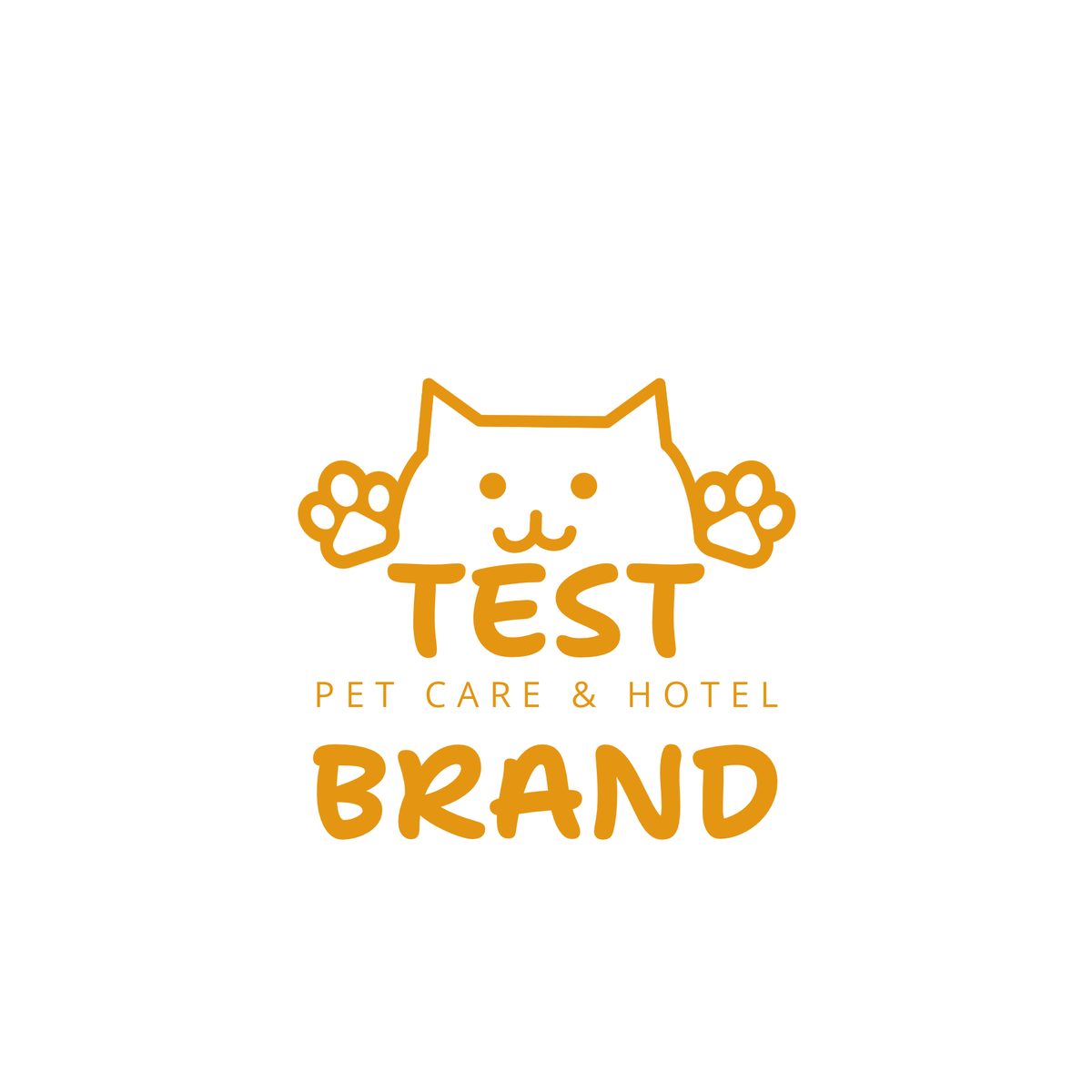
So the real offer is: free accounts get a white-background bitmap; transparent backgrounds cost Pro. For a logo — the one image type where transparency matters most — that's the whole ballgame.
Wall 2: SVG vector files
Logos also need to scale — onto a shop sign, a printed box, a vehicle wrap. That's what SVG (vector) files are for, and it's the format print shops ask for. In Canva's file type list, SVG is greyed out with a golden crown on it:
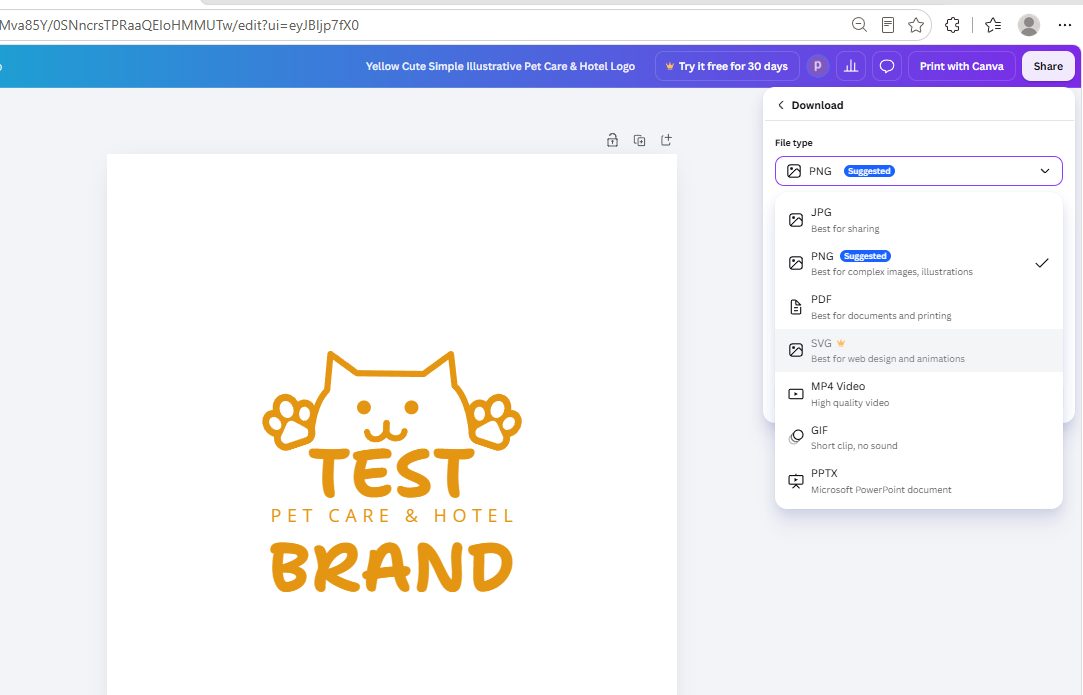
Selecting it anyway opens the same paywall. Between the PNG limits and the SVG lock, a free account can hand you a logo you can look at but not professionally deploy.
Wall 3 (smaller): anything above 2000px
Back in the PNG panel, the size row shows a crown on anything beyond 2000 × 2000 px. For most web use 2000px is plenty — but it's the third place a crown can ambush you.
(This mirrors what we found testing Canva's background remover: the free tier lets you get close to the finish line, and the last step is Pro.)
The wall nobody mentions: your logo can't become a trademark
This is the part we couldn't find in any tutorial, and it comes from Canva's own documentation, not our opinion. Canva's content license states that you cannot use Free or Pro content from Canva's library in a trademark — with narrow exceptions like fonts, basic shapes, and images you uploaded yourself. A logo built from a Canva template is built from library content.
Canva is upfront about the implication: its logo templates are meant for projects that don't require exclusive ownership — and other Canva users can legally use the same stock elements to build something that looks a lot like yours. Your business name text is yours; the paw print, the badge, the layout around it is not protectable.
To be fair to Canva, the same license confirms the good news: free content can be used commercially — on business cards, signage, merch, social media. "You can use it in your business" and "you can own it as a trademark" are two different things, and this is the distinction almost nobody searching "canva logo" is told about. If trademark protection matters for your brand, design from scratch with your own elements, hire a designer, or use a tool that grants you exclusive rights.
So is Canva good for logos?
| If you need… | Verdict |
|---|---|
| A quick free logo for a website, social avatar or draft pitch | Yes — pick a non-crown template, edit, download the white PNG. Genuinely free, genuinely decent |
| A logo with transparent background for print or products | Not on free — that toggle is the paywall trigger. Pro is $0 for 30 days, then $18/month (see our Canva Pro price breakdown) |
| An SVG for a print shop | Not on free — greyed out with a crown |
| A logo you'll register as a trademark | Not from Canva templates on any plan — library content can't go into a trademark per Canva's license |
Frequently asked questions
Can I make a logo in Canva for free?
Yes. We edited a free template into our own logo and downloaded a 2000×2000 white-background PNG without paying anything or seeing a watermark. The free experience covers designing and basic downloading.
Why is my Canva logo download showing a white box around it?
Because transparent background export is a Pro feature. The white-background PNG downloads free, but the moment you switch on "Transparent background," Canva shows a subscription popup (with the pricier Business plan pre-selected). Free alternatives: use the white version on white surfaces, or export on a background color that matches where the logo will live.
Can I download a logo from Canva as an SVG for free?
No. In our test the SVG option was greyed out with a Pro crown, and selecting it opened the paywall. SVG export requires a paid plan.
Can I trademark a logo made in Canva?
Not if it uses Canva's library content. Canva's content license states that Free and Pro content cannot be used in a trademark; exceptions include fonts, basic shapes, and your own uploaded images. The text you type is yours — the template artwork around it isn't protectable, and other users can build near-identical logos from the same elements.
Can I use a Canva logo for my business?
Yes, with the trademark caveat. Canva's license allows commercial use of free content, so a template-based logo on business cards, a storefront, or merchandise is fine — it just can't be registered as a trademark, and you don't get exclusive rights to the design elements.
What does the crown on Canva templates mean?
A golden crown means the template (or element, or export option) requires a paid plan. In the 180 logo templates we counted, 20 had crowns and 2 more had "$ Paid" badges for templates containing paid elements — about 12% in total, unevenly distributed across the results.
Wrapping up
We took a free Canva account through the full logo journey — search, count, design, download — and photographed every gate. The honest summary: Canva is a genuinely free logo maker for drafts, avatars and small projects, with a clean white PNG at the end. It is not a free path to transparent or vector logo files, and it is never a path to a trademark, because Canva's own license forbids library content in trademarks. None of this is hidden — but all of it lives in popups and license pages that tutorials don't photograph. Now you've seen them.
Tested October 2026 on a free Canva account with no payment details entered. If you're mapping Canva's free-tier walls, read our background remover test, Canva Pro pricing breakdown, and Canva flyer end-to-end test — same account, same method, same conclusion: the last step is the paid one. Our Canva resume test found the same wall in a different room: every resume template is A4, and converting to US Letter is a Pro feature. Not everything in Canva has a paywall, though: our Canva QR code generator test made and exported a clean code for free, and we scanned it with a phone to check where it really sends people. CapCut runs the opposite playbook: it labels nothing up front and settles the bill at the export button. We photographed that too, in our CapCut template test.
This guide is one of our 18 free-account Canva tests — crown counts, measured exports, print prices and paywalls, all in one place.